Help Center and Guides
Learn how to navigate Vantrel, use study tools effectively, and solve common issues on your own. Start with the guided collections below, then open a support ticket only if self-service steps do not resolve the problem.
Helpdesk Guides
Open support ticketFrequently Asked Questions
Quick answers for account access, plans, billing, exam tracks, and platform usage.
Billing and Subscription Help
Clarify plan options, renewals, payment expectations, and common billing concerns.
Refund and Eligibility Guide
Understand refund windows, eligibility rules, and what to expect during review.
Security and Privacy Guide
Review how your account and study data are protected, stored, and managed.
Contact Human Support
Open a support request when you need account-specific help from our team.
Featured Self-Service Guides
These are the fastest guides for learning the dashboard, onboarding, and next best study actions.
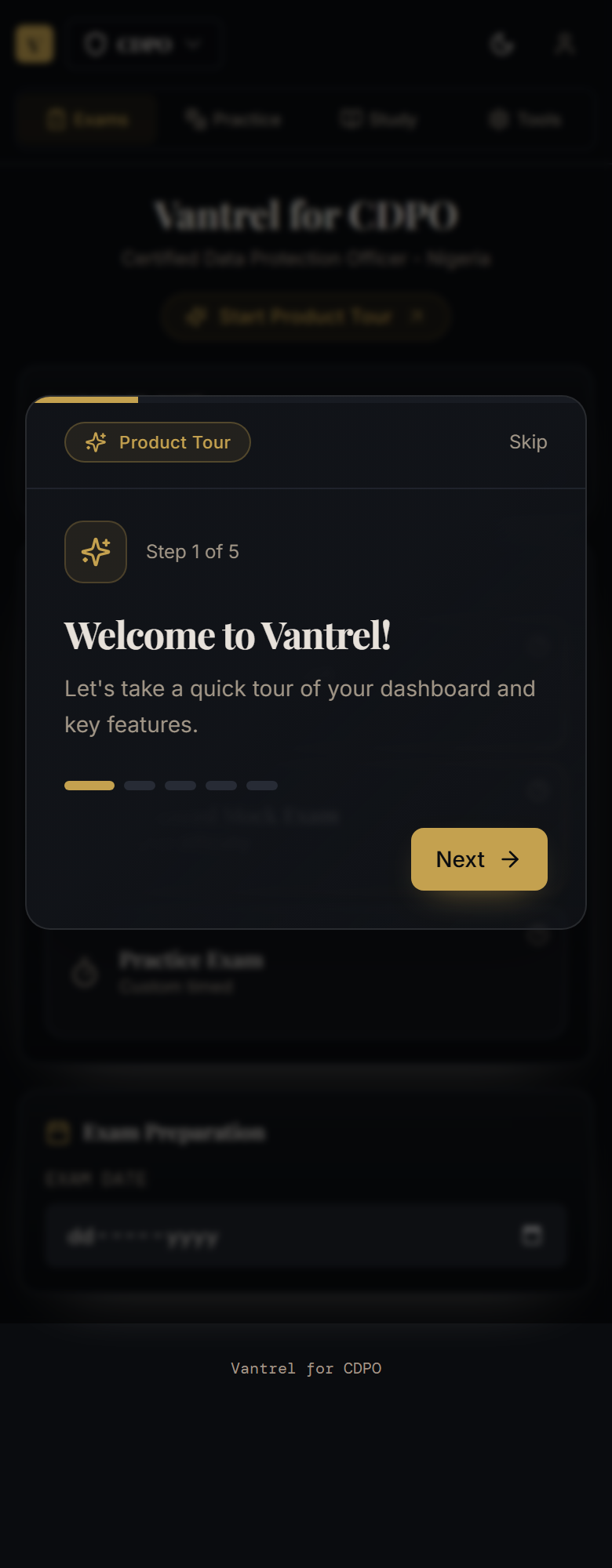
How to Use Vantrel: Complete User Guide
A visual walkthrough of the Vantrel dashboard, onboarding flow, study tabs, progress tools, and self-service paths new candidates should know first.
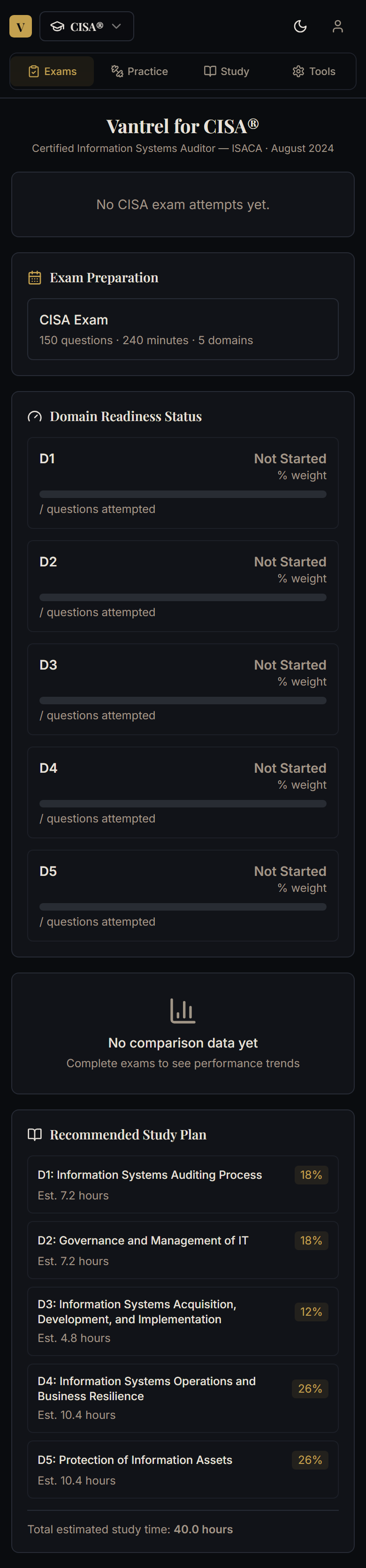
How to Navigate the Vantrel Dashboard
A visual guide to the Vantrel dashboard, its four main tabs, and the quickest ways to move between study actions without getting lost.
How to Complete Onboarding in Vantrel
Follow the Vantrel onboarding flow step by step, from exam date setup to baseline testing, so the platform can build useful study guidance for you.
How to Read Your Progress Dashboard
Understand the progress, readiness, and recommended study signals inside Vantrel so you can turn metrics into better study decisions.
Browse by Topic
Use these grouped collections to find how-to guides, navigation walkthroughs, and self-service troubleshooting.
Getting Started & Navigation
Start here for onboarding, dashboard walkthroughs, and product orientation.
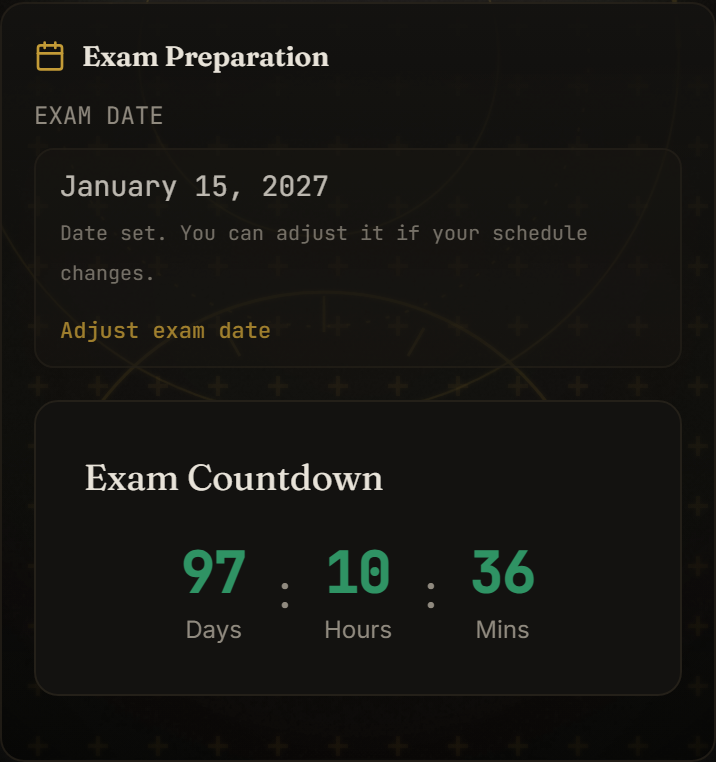
How to Change Your Exam Date in Vantrel
If your exam moves, change the date on the Exams tab. Your countdown and study plan follow the new date straight away.
How to Use Vantrel: Complete User Guide
A visual walkthrough of the Vantrel dashboard, onboarding flow, study tabs, progress tools, and self-service paths new candidates should know first.
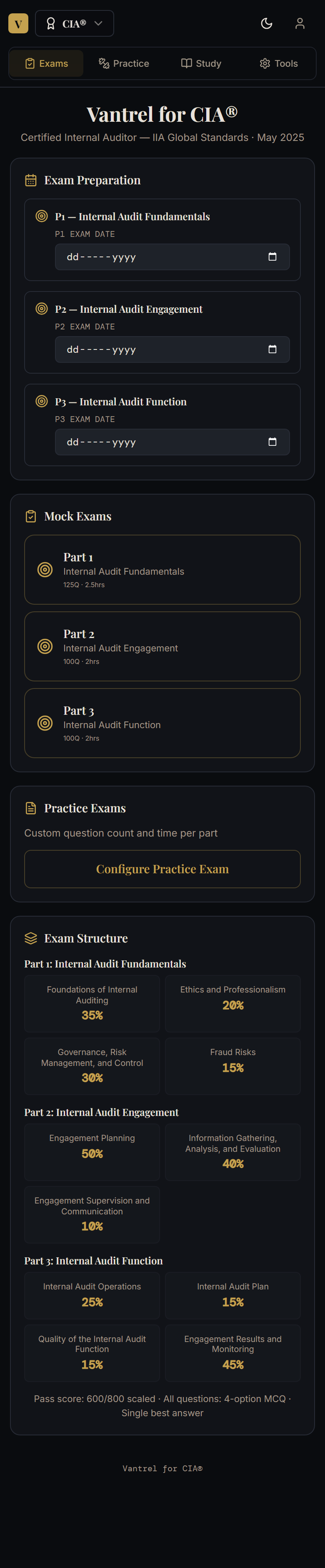
Understand the Exams, Practice, Study, and Tools Tabs
Use this quick-reference guide to understand what each main Vantrel tab is for and when to switch between them during your study week.
How to Navigate the Vantrel Dashboard
A visual guide to the Vantrel dashboard, its four main tabs, and the quickest ways to move between study actions without getting lost.
How to Complete Onboarding in Vantrel
Follow the Vantrel onboarding flow step by step, from exam date setup to baseline testing, so the platform can build useful study guidance for you.
Study & Practice
Use these guides to run mocks, practice smarter, and understand your readiness signals.
Billing & Access
Resolve payment, subscription, access-code, and exam-entitlement questions.
How to Switch Exam Tracks and Fix Wrong Exam Path
If Vantrel shows the wrong exam track or your subscription seems tied to a different path, use this guide to correct the issue without guessing.

How to Redeem a Vantrel Access Code
Use this step-by-step guide to redeem an organisation or instructor access code and unlock the exam content attached to it.
Payment Succeeded: What Happens Next?
Follow this post-purchase guide to confirm your payment, open the correct exam path, and understand what Vantrel should do after checkout succeeds.
Account & Security
Manage profile settings, passwords, passkeys, and sign-in security.
Support & Troubleshooting
Try these recovery steps before you open a support ticket.