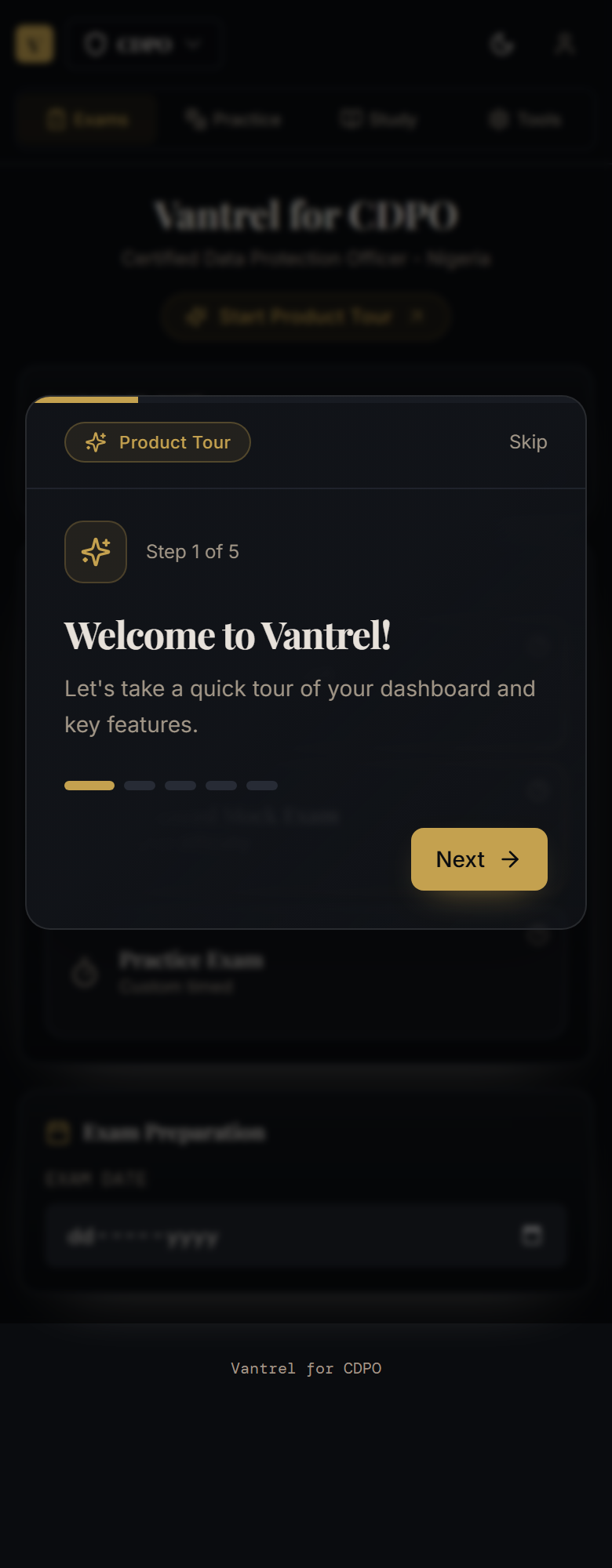
How to Use Vantrel: Complete User Guide
A visual walkthrough of the Vantrel dashboard, onboarding flow, study tabs, progress tools, and self-service paths new candidates should know first.
How to Use Vantrel: Complete User Guide
What this guide covers
This is the first article to read if you are new to the platform. It explains what Vantrel is showing, what the major areas do, and how to move from confusion to a concrete next step.
Before you start
Make sure you are signed into the correct account and looking at the right exam path. If the header or dashboard does not match your plan, fix that first.
The four-step flow
- Confirm your exam path.
- Complete onboarding.
- Choose Study, Practice, Exams, or Tools based on your goal.
- Use progress signals to decide what to do next.
What each area is for
- Dashboard: orient yourself and choose the next action.
- Exams: practice under timing pressure.
- Practice: target a specific weak area or question type.
- Study: learn or revise content in a calmer mode.
- Tools: interpret readiness, weak areas, and progress.
When to contact support
Contact support if the account, exam path, or access state does not match what you purchased or expect after following the guide above.
Related guides
Keep building exam readiness
If this article helped clarify the path, the next step is to turn insight into practice. Explore the platform, choose your exam track, and start preparing with structure.